PC Store Together Major Optimization — Performance Update
Official Steam patch notes for loading, VRAM, stutters, frame rate, and first-launch graphics presets.
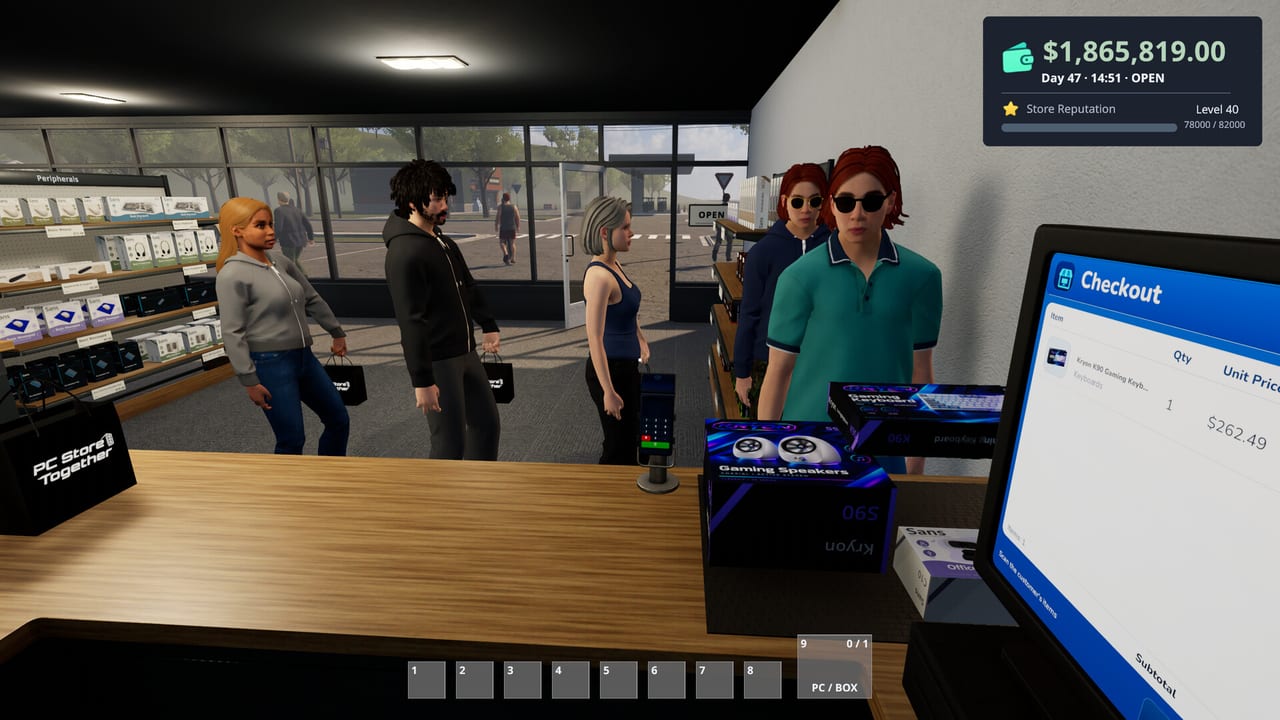
After the November 24, 2026 Steam launch of PC Store Together (app 4990940), Sykes Games and Nightmare Studios shipped a public Major Optimization — Performance Update. The Steam announcement thanked players for performance reports, said more passes are coming, and listed concrete fixes for loading failures, VRAM pressure, stutters, and busy-shop CPU cost. This wiki page summarizes that official post for shop owners and co-op hosts.
Pair it with Community Hotfixes for the first and second launch-day bug-fix waves and Launch Patch Notes for demo-to-release context. Specs and troubleshooting still live on System Requirements.
Official goals from Steam news
Developers Liam and Patrick wrote that the update should iron out most stutters, lags, and failing to load, with more optimization work still planned. Treat the bullets below as the public changelog—not inventing ticket IDs beyond what Steam already published.
Loading and memory
- The game now loads about 4.7 GB of textures instead of 12.3 GB. That should fix loading screens that never finish on PCs with less video memory, and shorten loading for everyone.
- Download and install size are smaller.
- Graphics cards with under 7 GB of video memory load textures at half size automatically (a quarter under 3 GB), so they no longer run out of memory as easily.
- The loading screen itself loads faster.
If your shop previously stalled on a black loading screen after a busy day, update Steam fully, restart the client, and try again before assuming a save is corrupt. Hosts with mid-range GPUs should feel the VRAM auto-scale first.
Stutter fixes
Steam listed these hitch fixes:
- Carton dropped off at the delivery area
- Customer speaking
- Customer paying by cash or card
- Host hitch every 10–15 seconds from autosave (manual save from the menu, quitting, and leaving still save immediately)
- Hitch each time a customer, carton, shelf, or PC appeared
- Customers walking into view no longer cause a frame drop
- Text no longer hitches the first time a new word appears on screen
These map directly to shop-sim pain: delivery rushes, till lines, and prop streaming. Re-test a restock + checkout loop after updating, then a co-op session with two benches open—see Co-op Multiplayer.
Frame rate and shop monitors
- Monitors in the shop no longer redraw every frame when nobody is near them. A monitor you are standing at is unchanged.
- General CPU savings while the shop is busy.
Dense monitor walls and demo desks still look good up close, but idle screens stop taxing the frame budget. That pairs well with expansion advice on Store Expansion: build the wall, then measure FPS before stacking more props.
Settings: first-launch presets
On first launch, the game now picks Low, Medium, or High graphics to suit your graphics card. If you already chose a setting, that choice is kept. New installs should land closer to a playable preset without a manual hunt through menus.
Still stuttering? Try -force-d3d11
If you still see a brief hitch the first time something new appears after a restart, Steam suggests adding -force-d3d11 to the game’s Steam launch options, then telling the team on Discord whether it helped. Steps:
- In Steam → PC Store Together → Properties → Launch Options.
- Add
-force-d3d11. - Fully restart the game and re-test the same hitch.
- Report hardware + whether the hitch improved.
How to verify the update on your machine
- Confirm Steam shows no pending download for app 4990940.
- Restart the client completely.
- Compare loading time and VRAM behavior on the same save.
- Walk a delivery → customer speak → cash/card payment loop and watch for the old hitch pattern.
- In co-op, confirm every player updated (version mismatches are also covered on the hotfix page).
Practical FPS habits that still matter
- Cap FPS to a stable target your host can hold during queues.
- Prefer wired hosting for four-player lobbies.
- Install on an SSD; texture streaming during rushes still matters even after the memory cut.
- Keep side panels closed and avoid powering five half-built towers at once during a sale—see How to Build a PC and Tips and Tricks.
- Cleaner diagnosis from How to Diagnose and Repair reduces wasted camera thrash that feels like stutter.
Specs context after optimization
Launch planning floor remains: Windows 10 64-bit, i5-class ~2.5 GHz, 8 GB RAM, GTX 1060 / RX 6600 XT class guidance, DirectX 11, roughly 2 GB install. Automatic texture downscaling for GPUs under 7 GB / 3 GB VRAM is the big accessibility change in this pass. Full tables live on System Requirements.
Timeline placement
- Launch day CCU spike and thank-you messaging — Launch Patch Notes
- First and second community bug-fix waves — Community Hotfixes
- This Major Optimization performance pass — textures, stutters, monitors, presets
- Ongoing — watch Steam news for 4990940 and Discord for the next wave
Related routes
- Updates Hub
- Community Hotfixes
- Launch Patch Notes
- System Requirements
- Getting Started
- Players Hub
- Steam: app 4990940
- Discord: community server
Keep measuring the same save before and after, keep reports specific, and keep the delivery bay clear—optimization works best when the floor is not fighting you.
Frequently Asked Questions
Quick answers to the most common questions.
What did the Major Optimization update change?
Steam lists lower texture memory (about 4.7 GB vs 12.3 GB), auto texture scaling under 7 GB / 3 GB VRAM, many stutter fixes, idle monitor CPU savings, and smarter first-launch graphics presets.
My loading screen never finished before. Will this help?
That was a stated goal of the texture memory cut and faster loading screen. Update Steam, restart fully, and re-test on the same PC.
What is -force-d3d11 for?
If a brief hitch remains the first time new content appears after a restart, Steam suggests adding -force-d3d11 to launch options and reporting whether it helps on Discord.
Does the update wipe my graphics settings?
No. First-launch auto Low/Medium/High applies to new installs. Existing choices are kept.
Where are the launch-day bug fixes listed?
See Community Hotfixes for the first and second community bug-fix waves published on Steam.