PC Store Together Advanced Shop Tips and Tricks
Queue management, spare kits, wattage discipline, reputation tiers, and co-op role mastery.
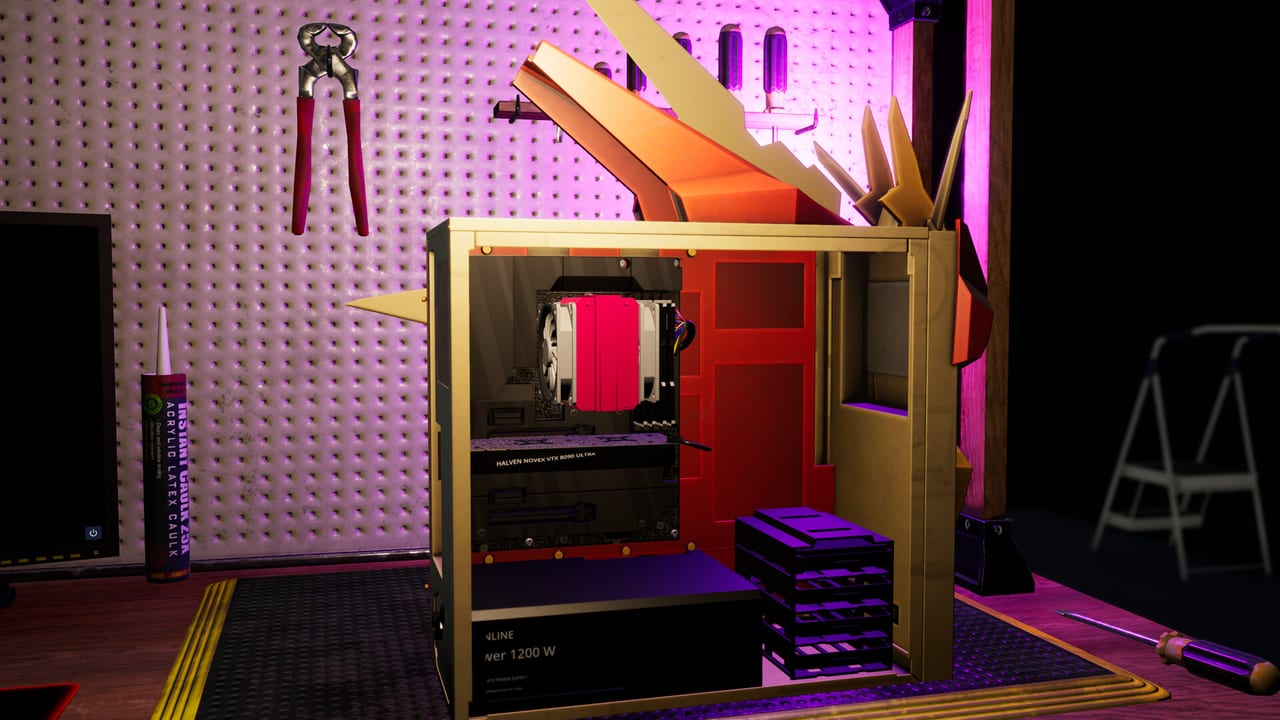
Once you can boot a tower without panic, PC Store Together becomes a game of priorities. Sykes Games and Nightmare Studios built a Steam Windows shop sim (released November 24, 2026, app 4990940) where cash, reputation, and bench time compete every minute—especially in 1–4 online co-op. This guide is the advanced layer: how to balance the customer queue against open builds, how to stock spares that actually save shifts, how wattage discipline prevents false “GPU upgrades,” how reputation tiers change what you should sell, and how co-op roles stop friends from bankrupting a good night.
If you still need the first-day checklist, start at Getting Started. Deep mechanics live in How to Build a PC, How to Diagnose and Repair, and Customer Orders. Economy policy sits on Pricing & Inventory and Store Expansion; shelf priorities live on Parts Tiers and Starter Builds.
Queue versus open builds
The silent killer of profitable hours is too many open cases. Every unfinished build is reserved capital and a future interruption. Advanced shops cap work-in-progress on purpose.
Practical WIP rules
- Solo: never open a third custom build until one of the first two is tested and ready to sell or explicitly parked.
- Two players: one owns the queue (greet, diagnose intake, till), one owns active benches—swap only between tickets.
- Three to four: add a runner; still keep a hard cap on simultaneous customs so the repair bench is not starved.
When the line grows, prefer fast repairs and mid recipes over starting another flagship. Reputation rises when wait times fall; it falls when customers watch you vanity-cable a tower while their simple PSU swap waits. Pair this mindset with honest stickers on Pricing & Inventory.
Triage the door
Not every body in line is equal urgency:
- Customers with a clear, small repair → pull to the quick bench.
- Customers with a written custom order → stage a kit before you accept if shelves are messy.
- Browsers who have not committed → do not empty your last GPU for them.
- Trade-in chatter → park hardware in a sort zone; do not let boxes colonize the build desk.
Spares that earn their shelf space
Advanced players treat spares as insurance SKUs, not clutter:
- Known-good PSU of a wattage that covers your mid and high recipes
- Extra coolers matched to the CPU families you actually sell
- RAM kits in the generations your motherboards expect
- Boot drives ready for “no storage” tickets
- One sacrificial GPU for diagnosis swaps—not your shelf queen
When a repair needs a part you already staged, labor stays profitable. When you must buy mid-ticket under panic, margins die. The repair workflow on How to Diagnose and Repair assumes this drawer exists.
Restock spares on a schedule, not only when empty. Co-op runners should refill spares before decorative RGB.
Wattage discipline (stop lying to yourself)
A GPU that “fits in the slot” is not a GPU that survives a gaming load. Full release emphasizes playable games on built PCs and smarter customers—claims get tested. Advanced tip: write the wattage budget on the order before the GPU goes in.
- Match PSU capacity to CPU + GPU + headroom, not to hope.
- Do not upsell a card that forces an unplanned PSU replacement unless the quote includes that PSU.
- When upgrading a customer’s machine along the upgradeable gaming PC fantasy, sequence PSU and thermals before the glamorous card.
Use Starter Builds as wattage-aware recipes until your instincts are calibrated. Parts Tiers helps you avoid stocking cards your reputation tier cannot honestly sell yet.
Reputation tiers as a sales filter
Reputation is not only a score—it is a filter on which promises you should make. Early tiers love reliable office and modest gaming boxes. Pushing boutique flagships before unlocks and trust exist creates returns, arguments, and dead capital.
Advanced habits:
- Keep two house recipes per reputation band (budget / mid) always stageable.
- Unlock shelf depth in the order Parts Tiers suggests, not in the order streamers flex.
- Spend early expansion cash on bench and test capacity before neon—see Store Expansion.
- After launch hotfixes or optimization patches, re-test recipes before you change premium pricing (Community Hotfixes, Performance Optimization Update).
Co-op roles that scale past hour two
Funny chaos is fine for the trailer; profitable chaos needs names on jobs.
| Role | Owns | Does not own |
|---|---|---|
| Counter lead | Queue, quotes, till, refunds | Impulse GPU buys |
| Builder | Active customs, POST, cable cleanup | Price rewrites mid-build |
| Repair tech | Diagnosis, spares drawer, labor invoices | Decorative shopping |
| Runner | Shelves, staging carts, trade-in sort | Starting new flagships alone |
Rotate every few tickets so skills spread, but do not rotate mid-screw. Host on the strongest stable PC (System Requirements). Read Co-op Multiplayer for join/host flow; use this table for culture.
Voice rules that save money
- Call out when you take the last cooler.
- Call out before changing a price.
- Call out before accepting a whale custom that empties mid-tier stock.
Testing before pride
Full release expects more than “it turned on.” Customers can lean on software/game compatibility style checks—your shop fantasy includes proving a machine will run what was promised. Advanced shops bake testing into the definition of done:
- Panel closed, power stable.
- Quick stability pass.
- Compatibility or game-target check when the order claimed gaming performance.
- Only then: sticker and smile.
Details for order flow live on Customer Orders. Skipping tests to “save time” creates longer refund times.
Micro-tips that compound
- Stage kits on a cart before the customer finishes talking.
- Keep the repair bench visually separate from custom builds so parts do not migrate.
- Bill diagnosis even when the fix is one stick of RAM.
- Prefer mid recipes during Steam-sale-like rushes on your Discord night—volume beats hero units.
- After any update day, run one sacrificial build before the premium queue (Launch Patch Notes).
- Solo players time-box: counter backlog, then bench, then restock—never restock-last forever.
Video context
The mid-page walkthrough video is useful for floor geography and pacing. Use it to spot station layout ideas, then enforce the WIP and role rules above so demo energy does not become release-night bankruptcy.
Related routes
- Customer Orders
- How to Build a PC
- How to Diagnose and Repair
- Pricing & Inventory
- Store Expansion
- Parts Tiers
- Starter Builds
- Guides Hub
Master the queue, respect wattage, stage spares, and give every friend a job title. That is how PC Store Together stays fun after the novelty of the first POST fades.
Frequently Asked Questions
Quick answers to the most common questions.
What is the most important advanced tip for PC Store Together?
Cap work-in-progress. Too many open builds freeze cash and inflate wait times—clear or park builds before starting another flagship.
Which spare parts should I always keep?
A known-good PSU that covers your recipes, matching CPU coolers, correct-generation RAM, boot drives, and one diagnosis GPU you are willing to swap.
How should co-op teams split roles?
Use counter lead, builder, repair tech, and runner. Rotate between tickets, not mid-install, and let one person own price changes.
When should I expand the store?
After you hold a cash float and need bench or test capacity—prefer productive floor upgrades over pure decoration. See Store Expansion for priorities.
Do reputation tiers change what I should sell?
Yes. Sell reliable recipes for your current band and unlock shelf depth intentionally via Parts Tiers instead of forcing flagships early.