PC Store Together Pricing After Benchmarks
Shelf buffers, spare parts, and queue-versus-build-time tradeoffs that protect margins.
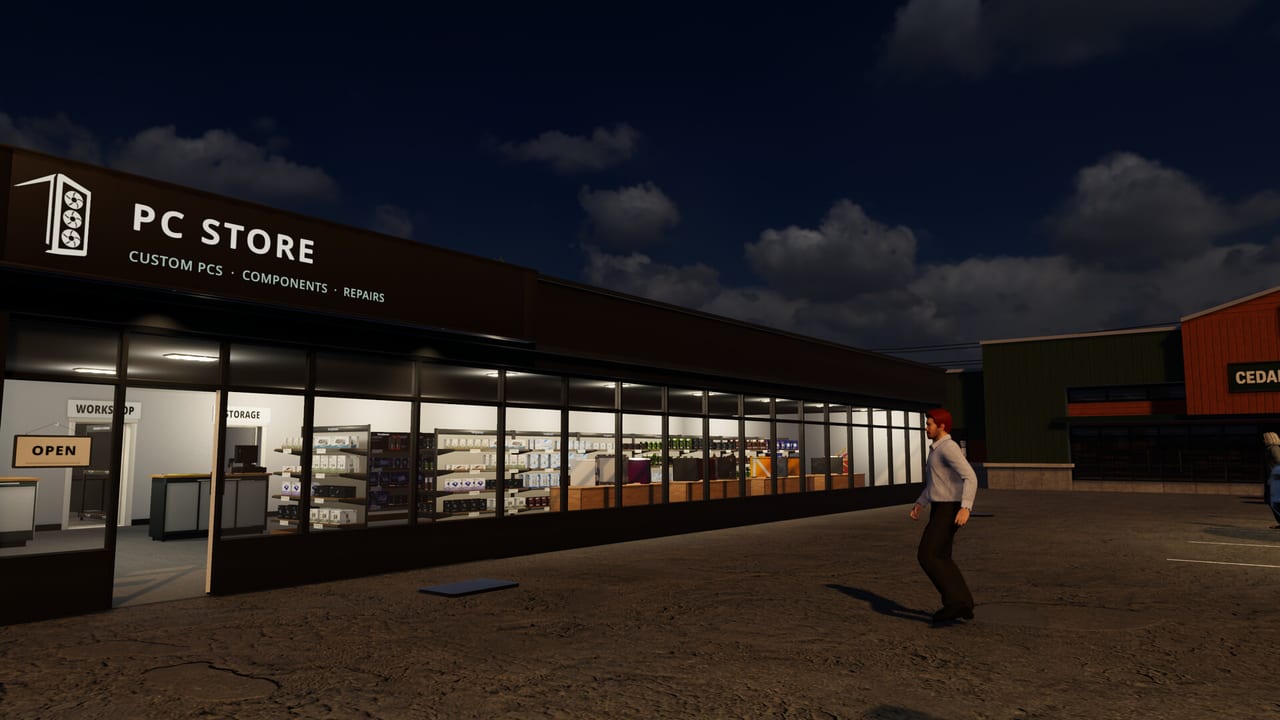
Cash flow in PC Store Together dies in two places: prices that ignore verified performance and inventory that is either empty or absurdly deep. This page is your operating manual for pricing after benchmarks, shelf stock, spare parts, and the eternal fight between counter queue time and bench build time.
Cross-link heavily: recipes on Starter Builds, unlock order on Parts Tiers, floor upgrades on Store Expansion, and onboarding on Getting Started.
Price after you prove the machine
Full release (November 24, 2026) lets players run games on built PCs and faces smarter customers. That changes pricing:
- Assemble or repair to a finished state.
- Boot and run your test path—especially for anything marketed as a gaming PC.
- Only then set the sticker.
- If the test disappoints, either fix the BOM or drop the claim and the price.
Pricing before testing was a demo-era shortcut. Release play punishes it with reputation hits that delay hardware tier unlocks.
A simple pricing frame
- Floor — parts cost + a minimum labor cushion so you never sell below panic.
- Target — floor plus margin that reflects verified performance tier (office vs mid gaming).
- Ceiling — what the current queue will bear before walking; ceilings fall when waits are long.
When the line is long, shaving toward target (not ceiling) often clears more total profit per hour. When the shop is quiet, you can hold closer to ceiling on proven Recipe B machines.
Shelf stock: depth where it burns
Shelf stock is not “own one of each.” It is depth on burn rate:
- Deep: RAM kits, SSDs, common coolers, PSUs that match your active recipes
- Medium: CPUs and motherboards for your chosen lanes
- Thin: luxury cases and top GPUs until demand is proven
Align depth with Parts Tiers. If Recipe A is your rush workhorse, its BOM should never hit zero mid-peak.
Ready-to-sell buffer
Keep at least one finished budget PC (or a nearly finished kit) for impulse clears. A ready unit converts queue pressure into cash without starting a twenty-minute custom while three customers simmer.
Spare parts: the quiet profit center
Realistic repairs mean spares are mandatory. Maintain a labeled repair reserve:
- One spare PSU in your common wattage band
- Extra RAM sticks and a small SSD
- Cooler or fan coverage for the CPUs you sell
- Whatever fails most in your last session’s notes
Spares unlock repair tickets you would otherwise refuse. Refusing repairs stalls reputation and stranding trade-ins (also expanded at full release).
Co-op rule: the last spare is sacred. Call it out in voice chat before someone yeets it into a vanity build.
Queue time vs build time
Every minute has an owner:
- Queue time — customers waiting at the counter or for pickup; long waits punish reputation and willingness to pay.
- Build time — minutes on the workbench including test.
If build time per custom exceeds what the queue will tolerate, switch modes:
- Sell a ready Recipe A.
- Take repairs with short spare swaps.
- Pause new customs until the line drops.
- If this happens daily, buy another workbench before another GPU tier (Store Expansion).
Throughput problems are rarely solved by a pricier part. They are solved by capacity and policy.
Trade-ins and inbound inventory
Trade-ins inject irregular parts. Process them with a three-bin mindset:
- Use now — fits an active recipe or repair
- Flip soon — price to move; do not romanticize
- Scrap / ignore — do not let junk fill premium shelf slots
Misclassified trade-ins create fake wealth on the shelves and real poverty in the register.
Co-op economy checklist
For 1–4 players online:
- One economy lead sets target margins for the session
- Parts runner restocks to agreed minimums only
- Tester signs off before premium stickers go up
- Counter communicates wait times honestly so ceiling prices stay realistic
Solo players should still externalize the checklist—memory fails during a rush.
Worked example (mental math)
Imagine two options during a three-person queue:
- Start a 15-minute premium custom at a high sticker
- Sell one ready budget PC in three minutes, finish a five-minute repair, then start a mid build
The second path often wins on profit per hour and reputation even if the single custom sticker looked juicier. Tools thinking is about paths, not trophies.
Hook to recipes and expansion
- Need something to sell fast? Starter Builds
- Buying the wrong depth? Parts Tiers
- Bench blocked? Store Expansion
- Patch changed costs or customers? Launch Patch Notes and the Updates Hub
Session-end review (five questions)
- Did any premium sale skip testing?
- Which BOM hit zero?
- How long was the longest wait?
- Did spares cover repairs or did you refuse tickets?
- Was cash stuck in thin-demand enthusiast parts?
Write the answers once. Tomorrow’s restock list writes itself.
Launch pricing context
The game launches around $12.99 with an intro discount on Steam app 4990940, but in-game capital still punishes sloppy stickers. Day-one community hotfixes may tweak feel—revisit margins after notes on the Updates Hub. Specs and audience fit remain on the Players Hub; Steam and Discord links sit on Official Links.
Benchmark, then price. Stock the burn, not the fantasy. Protect spares. Choose the path that clears the hour—not only the single fattest invoice.
Frequently Asked Questions
Quick answers to the most common questions.
When should I set the sell price?
After the build or repair passes its test—especially for gaming claims. Full release customers notice real performance.
How deep should shelves be?
Deep on parts your active recipes burn (RAM, storage, PSUs, coolers). Keep luxury GPUs and cases thinner until demand is proven.
What is a repair reserve?
A labeled spare pool—common PSU, RAM, storage, cooling—so repair tickets do not cannibalize your new-build bins.
Queue is long—what do I sell?
Prefer ready budget PCs and short repairs over starting a long custom. Throughput beats a single heroic sticker.
How do trade-ins affect inventory?
Sort into use-now, flip-soon, or ignore. Do not let odd trade-in parts masquerade as planned shelf depth.