PC Store Together Shop Tools & Planning
Pricing, inventory buffers, and expansion order that keep the store scalable.
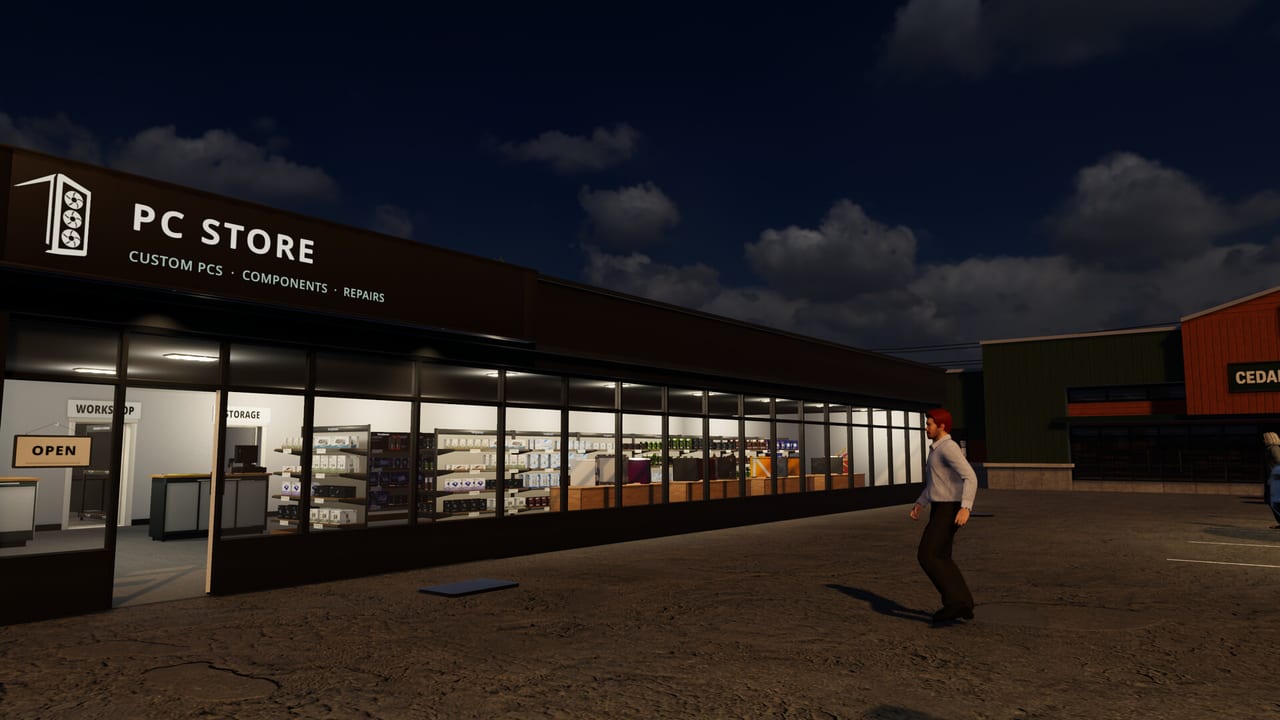
The Tools Hub is where PC Store Together players turn vibes into numbers: what to charge after a benchmark, how deep shelves should be, when to buy another workbench, and how to grow the floor without decorating yourself into bankruptcy.
Child pages:
- Pricing & Inventory — post-benchmark pricing, shelf stock, spares, queue versus build time
- Store Expansion — workbenches first, testing stations, layout, decoration later
Use these together with Parts Tiers, Starter Builds, and Getting Started. Player specs and co-op expectations live on the Players Hub.
Why a tools section exists
Guides teach the loop. Tier lists teach what to unlock. Tools pages teach operating policy—the rules you follow when the lobby is loud and the counter is full. Good policy survives patches better than a single lucky build.
After the November 24, 2026 full release, playable games on PCs, realistic repairs, smarter customers, trade-ins, and new stock all push you toward measurement. Guessing prices from case RGB is a demo habit; release play rewards testing and inventory discipline.
Pricing snapshot
Price from evidence:
- Finish the build or repair.
- Run your test or playable check.
- Set a price that reflects verified performance and local demand.
- Watch whether units move before the next rush.
Details, spare-part math, and queue tradeoffs are on Pricing & Inventory.
Expansion snapshot
Spend upgrade cash in this order unless a patch clearly changes incentives:
- Workbench capacity
- Testing / QA space
- Layout that shortens walking paths
- Decoration and flex cosmetics
That order is unpacked on Store Expansion.
Solo and co-op tool use
Solo: keep a short written policy—target margin, minimum spare counts, and a hard rule for when to stop taking customs.
Co-op (1–4): assign an economy lead. Tools pages only help if one person owns restock numbers while others build. Shared Discord notes (invite on Official Links) work well between sessions.
Session card (copy this)
Before you open tomorrow’s shift, write four numbers: minimum RAM/SSD/PSU counts, target margin on Recipe A, ceiling wait time before you stop taking customs, and the next expansion purchase (bench or test—not a couch). That card is the Tools Hub in pocket form. After Launch Patch Notes or any Steam hotfix, redraw the card before you redraw the showroom.
Trade-ins and smarter customers make the card sharper at full release than it was in the demo. If inbound parts pile up, the pricing page’s use-now / flip-soon / ignore bins matter as much as your GPU aisle.
Hook into the rest of the wiki
- Economy pain → Pricing & Inventory
- Floor feels cramped → Store Expansion
- Wrong parts → Tier List Hub
- Confused on day one → Guides Hub
- Patch changed something → Updates Hub
- Specs / co-op fit → Players Hub
Operate the shop like a shop. The Tools Hub is your policy binder—open it whenever the lobby gets loud enough to forget the plan.
Frequently Asked Questions
Quick answers to the most common questions.
What is the Tools Hub for?
Operating policies for PC Store Together: pricing after tests, inventory buffers, and expansion priorities—not flavor lore.
Should I decorate the store early?
Usually later. Unlock workbenches and testing stations first, then improve layout paths, then spend on decoration.
How do tools pages relate to tier lists?
Tier lists choose what to unlock and stock. Tools pages decide how many to hold and what to charge after benchmarks.
Do these tips work in co-op?
Yes. Assign an economy lead so pricing and restock rules stay consistent across 1–4 players.